Chess 3D
FreeMultiplayerClassic chess on a polished 3D board with 10-minute clocks. Play a friend online or take on the computer.
Controls: Click a piece, then a highlighted square. Drag to turn the board, scroll to zoom. Resign and draw buttons beside the move list.
Top players this week
Full leaderboard →No results yet this week — be the first!
How to play Chess 3D
Chess 3D is classic chess on a polished 3D board with 10-minute clocks for each player. Play a friend online or play the computer, turn the board to any angle and follow the move list as you go.
Controls: Click a piece, then a highlighted square. Drag to turn the board, scroll to zoom. Resign and draw buttons beside the move list.
Tips
- Control the centre of the board with your pawns and pieces early.
- Develop your knights and bishops before you move your queen out.
- Castle early to keep your king safe, and keep an eye on your clock.
Questions
- Is Chess 3D free?
- Yes. Chess 3D is free to play online, and you can start straight away as a guest without signing up.
- Do I need to download Chess 3D?
- No. It runs in your web browser, so there is nothing to install.
- Can I play Chess 3D on my phone?
- Yes. It works in the browser on phones and tablets as well as on computers.
- Can I play Chess 3D with friends?
- Yes. Choose Play with a friend to get an invite link, then send it to the friend you want to play.
Play next
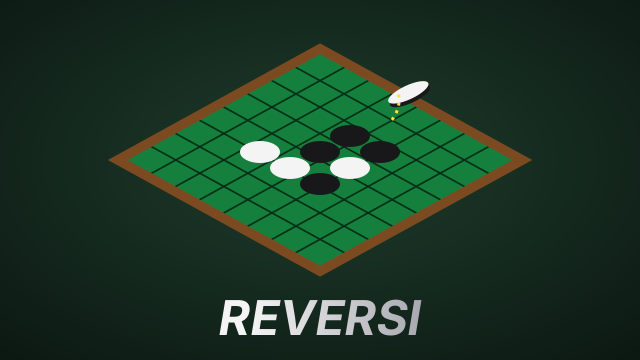
Reversi
FreeMultiplayerThe classic disc-flipping strategy game on a 3D felt board. Outflank your opponent's discs to turn them your colour — play a friend online or take on the computer.
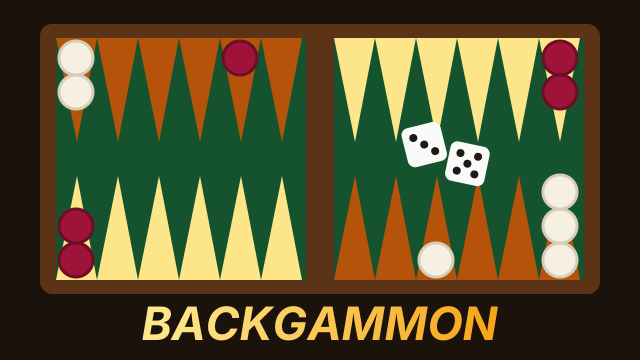
Backgammon
FreeMultiplayerThe 5,000-year-old race game on a 3D walnut board. Roll the dice, hit lone checkers, build a prime and bear off first — against a friend online or the computer.
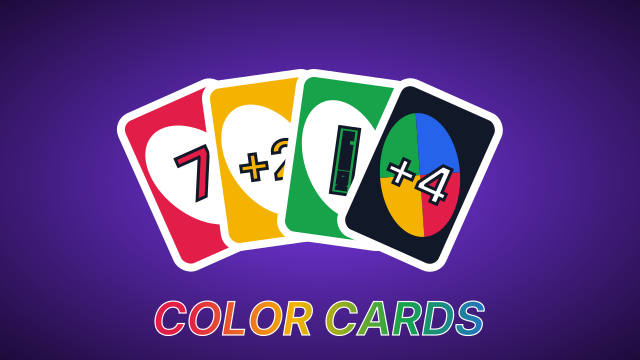
Color Cards
FreeMultiplayerThe fast family card game for up to four at a 3D table. Match the colour or the number, hit the next player with skips, reverses and +4s, and be first to empty your hand.