Gravity Maze 3D
FreeTilt a floating stone maze and let gravity do the rest. The ball slides until a wall stops it, so every tilt counts. Roll over every gem, then drop into the exit. Pits swallow the ball, but a crate pushed into a pit fills it and makes a bridge. Ten levels, each with a par: match it for three stars.
Controls: Arrow keys or WASD to tilt the maze, or swipe. Z undoes a tilt, R restarts the level. On a phone: swipe on the maze, or use the arrow pad.
Top players this week
Full leaderboard →No results yet this week — be the first!
How to play Gravity Maze 3D
Gravity Maze 3D is a sliding puzzle. Each tilt sends the ball as far as it can go, so plan where it will stop, not just which way it goes.
Controls: Arrow keys or WASD to tilt the maze, or swipe. Z undoes a tilt, R restarts the level. On a phone: swipe on the maze, or use the arrow pad.
Tips
- Look for the walls the ball can stop against. Every useful stop is next to a wall, the edge or the crate.
- The exit only opens once every gem is collected. Before that, the ball rolls straight over it.
- Things nearest the low side move first, so the crate can block the ball or be pushed ahead of it.
- Push the crate into a pit to fill it. After that the ball can roll safely across.
- Undo is free, but it still counts as a move for the stars. Restart if you're far off the par.
Questions
- Is Gravity Maze 3D free?
- Yes. Gravity Maze 3D is free to play online, and you can start straight away as a guest without signing up.
- Do I need to download Gravity Maze 3D?
- No. It runs in your web browser, so there is nothing to install.
- Can I play Gravity Maze 3D on my phone?
- Yes. It works in the browser on phones and tablets as well as on computers.
Play next
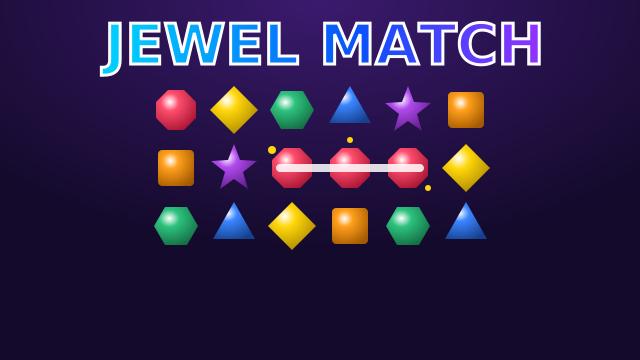
Jewel Match
NEWFreePuzzle & Word
Swap gems to match three or more and set off cascades. Striped gems, bombs and colour bombs — thirty moves to score as big as you can.
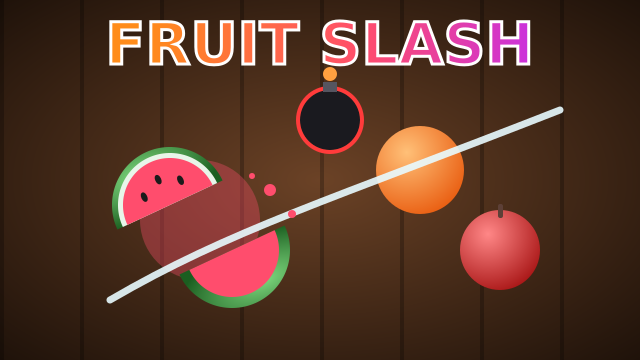
Fruit Slash
NEWFreeArcade & Casual
Swipe to slice flying fruit in 3D — chain three or more in one swipe for combos. Miss three fruit or touch a bomb and it's over.
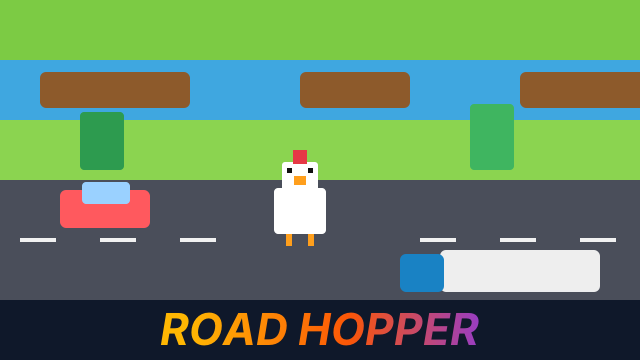
Road Hopper
NEWFreeArcade & Casual
Hop a blocky chicken across endless roads, rivers and rail lines in 3D. Dodge traffic, ride the logs and keep moving — the hawk is watching.